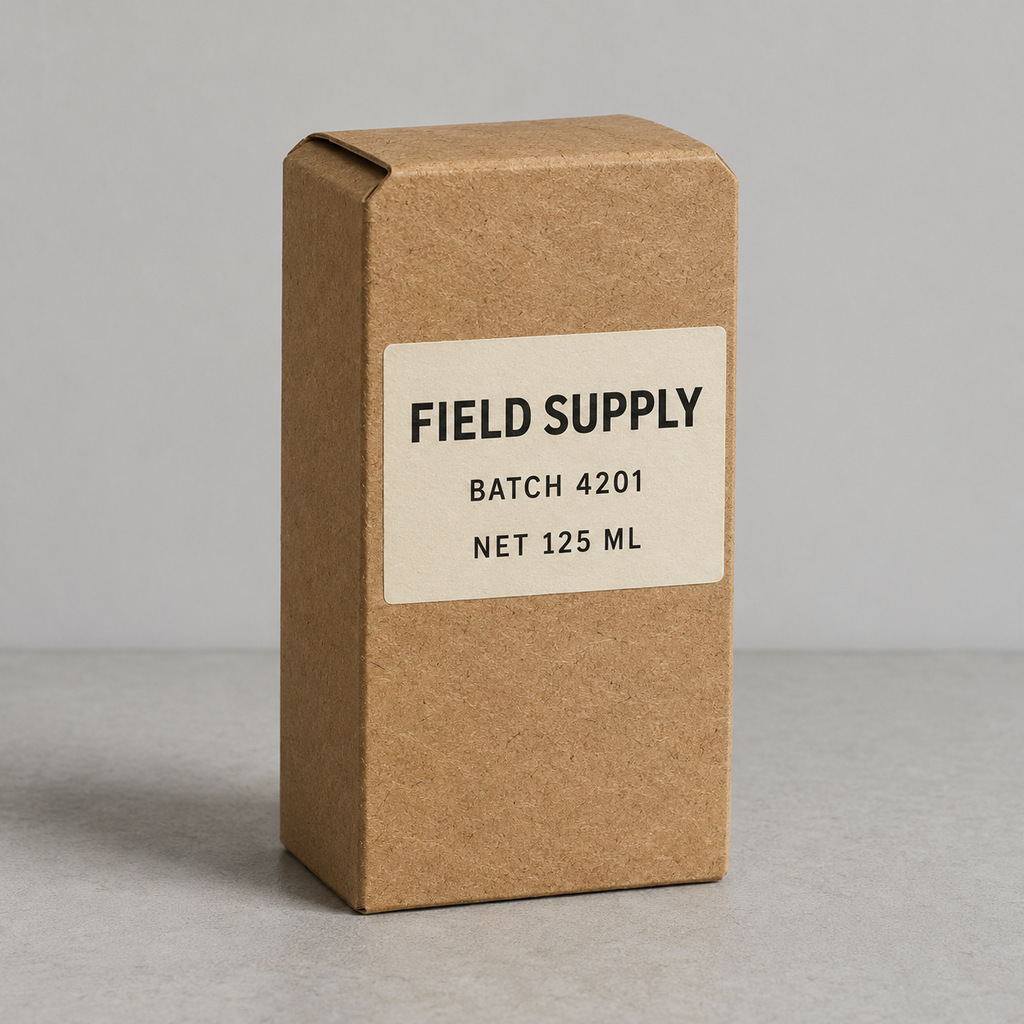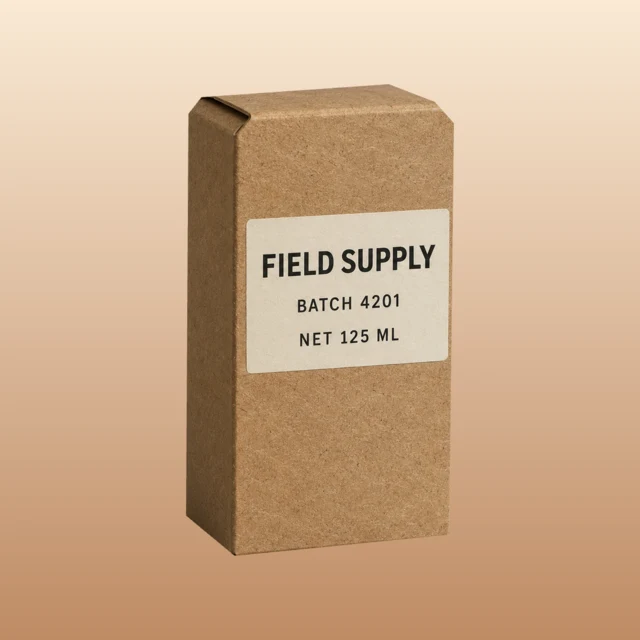
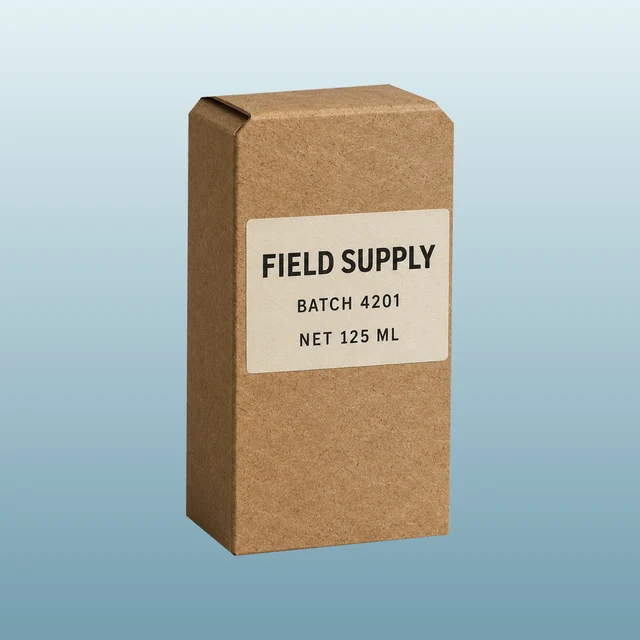
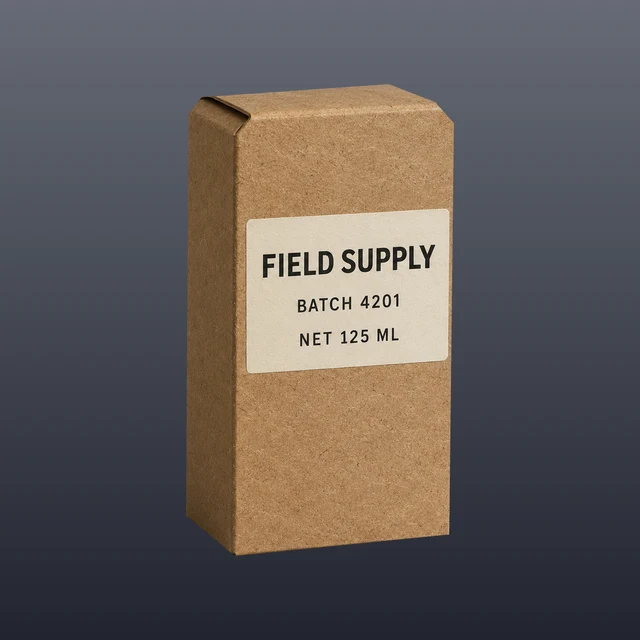
Keep the label and paper grain from your product photo. Trace the package once, then see how warm paper, cool window, and dark slate backgrounds change the feel of the same shot.
Try this studio look · Open the example JPG
Trace once, then swap the background
Choose a photo with the whole product in frame and enough contrast to see the edge. Place points along the outline, following corners and curves. Drag a point if the cutout clips a corner or keeps a sliver of the old backdrop. The checkerboard preview makes both easier to spot.
This demo uses a synthetic product photo saved as a regular JPG. All three looks use the same cutout. The editor composites the pixels inside your outline onto each new background. On reflective or transparent packaging, reflections visible inside that outline travel with the photo.
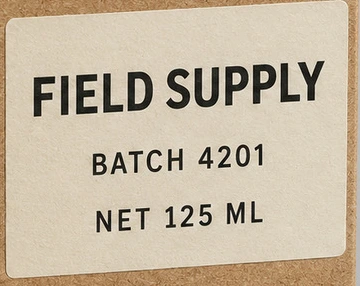 Open the label close-up
Save two crops from the same selection
Choose Square for a product grid or Vertical for a story or ad layout. Check the outline and the label at the intended size, then download the PNG. Switch the background or layout in the same workspace to keep using your selection.
Make a square and vertical pair
 Natalie Brooks