 16:9
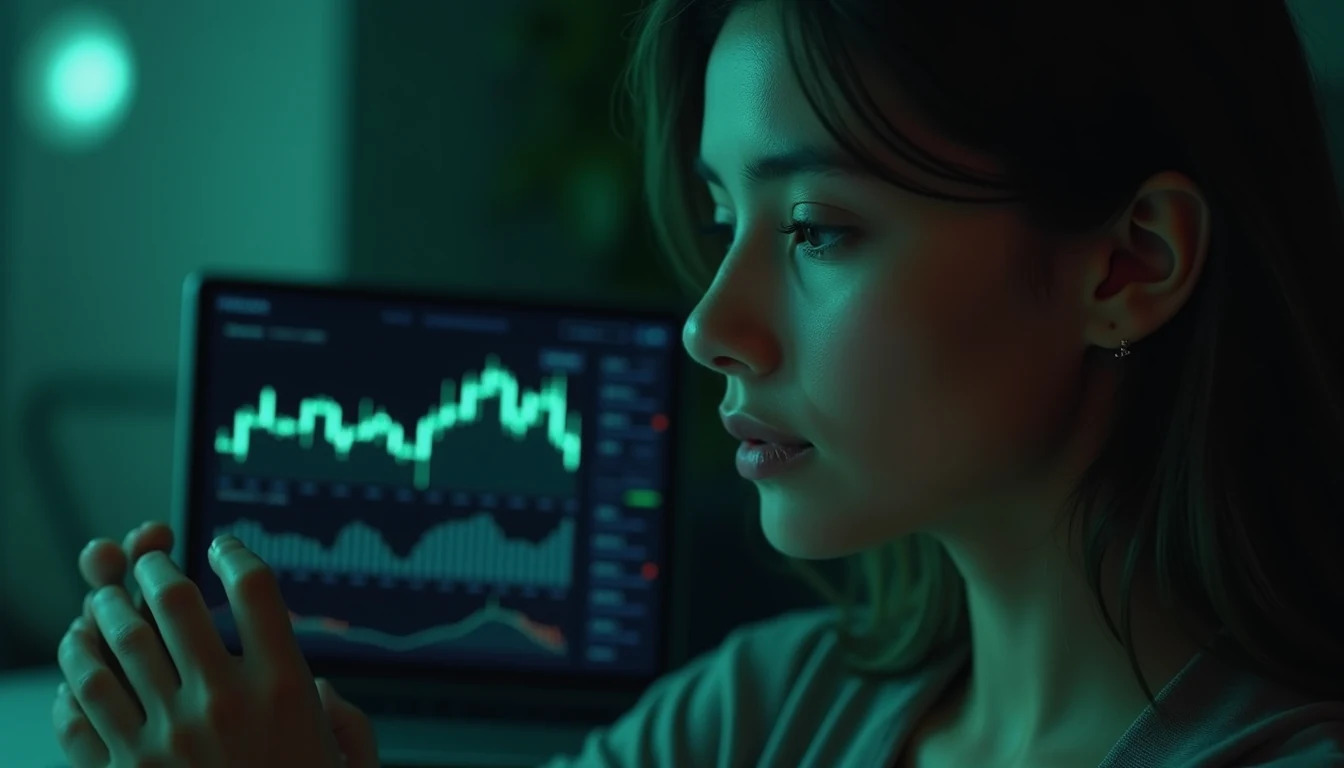
Dark Mode FinTech Dashboard UI
High-fidelity UI mockup of a clean cryptocurrency and portfolio analytics web application.
Pristine UI mockup of a dark mode crypto and investment analytics web application, sleek card layout displaying glowing neon-emerald candlestick charts, clean sans-serif numerical typography, subtle glassmorphic backdrop filters, polished navigation sidebar, Figma Dribbble quality.
crooked text, blurry interface, unusable layout, messy lines, cartoonish
Make this prompt your own
Start with this recipe, keep the visual direction you like, and adapt it to your product, character, or scene. Change one part first so you can compare the result.
1. Keep the look you want
Retain the lighting, camera perspective, and composition that suit your brief. Name any product shape, character features, or background elements you want to preserve.
2. Swap one creative element
Replace the subject, material, or palette with your own. Keep details relevant to the new scene and avoid combining conflicting style directions.
3. Plan the final frame
Choose the target aspect ratio before generating. Describe subject placement and any space needed for a headline, then check the composition again when changing formats.
Working from an existing image?
Template Remix loads the prompt recipe. To guide a revision with your own image, choose Reference Edit on a supported model and upload your original. Separate what should stay from the change you want. Compare character features, product details, lettering, and background with your brief before choosing a version.